€20.99
Core Gameplay
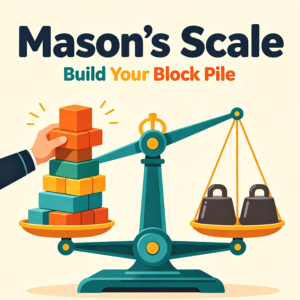
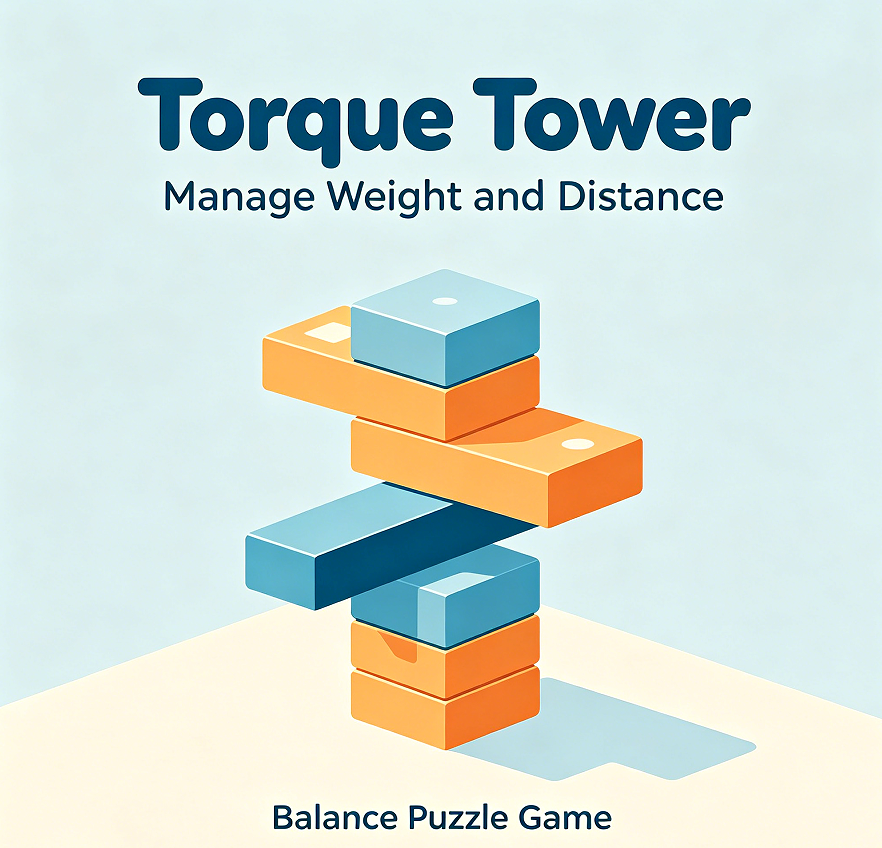
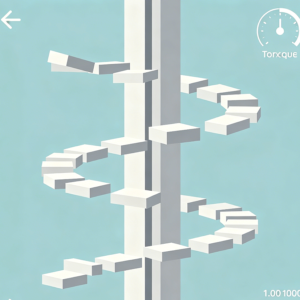
The game displays both the total weight on each side of the scale and the torque (weight × distance from centre). Players must manage not only how much weight is added, but where it is placed. The goal is to keep both torque values within 5% of each other while stacking to the target height.
Level & Content Design
280 levels – one of the largest sets in this collection. Early levels hide torque values (encouraging intuition); later levels show them for advanced strategy. Includes 40 “Negative Torque” levels where some blocks pull upward (balloons). The game is delivered as a single HTML file with embedded assets.
Visuals & Experience
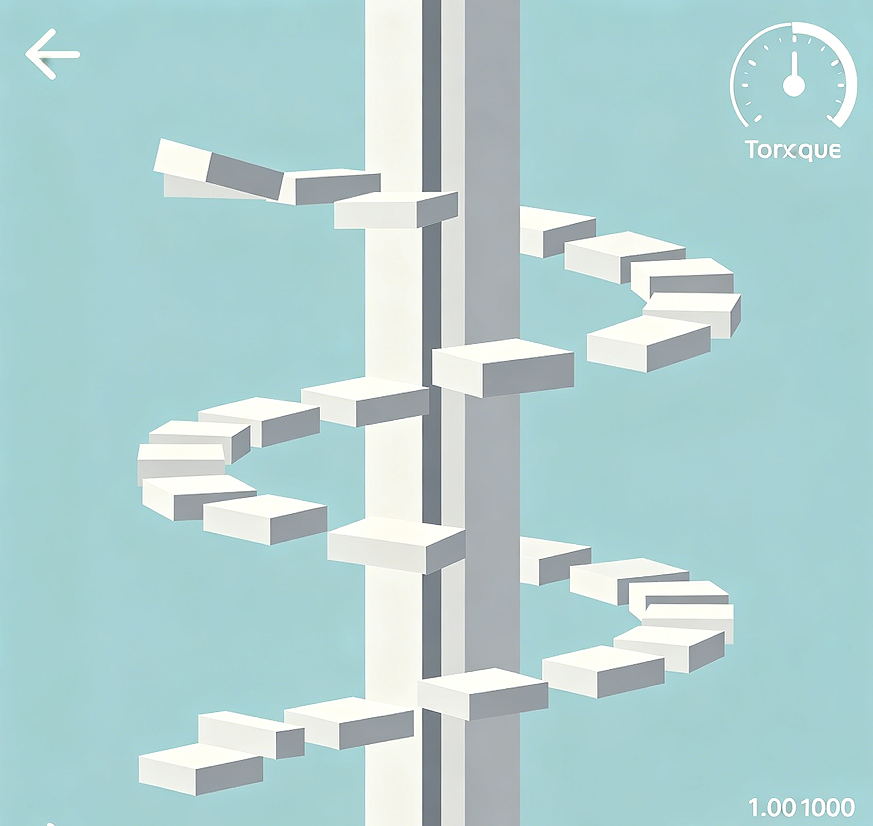
Technical dashboard style – torque values displayed as digital gauges, blocks as translucent coloured cuboids. The scale platform glows green when torque is balanced, orange when near limit, red when exceeding. No background music by default to avoid distraction; optional ambient track can be enabled.
Key Features
Torque Simulator: Before placing a block, see a preview of how it will change both torque values.
Detailed Log: After each level, review every placement with timestamps and torque readings.
Export Data: Save your level performance as a CSV file for personal analysis.
User Value
Teaches torque physics in an applied, interactive manner. Ideal for students or hobbyists interested in mechanics.
Usage Scenarios
Perfect for self‑directed learning sessions, homework support, or analytical play on a rainy afternoon.
Adorn your living spaces with our unique, eco-friendly vases, designed to celebrate nature’s beauty.